Product Summary
Developed in-house by iForensics, this mobile application security testing platform covers both Android and iOS. By integrating static and dynamic analysis, it automatically collects risk evidence across cryptographic keys, data transmission, and data storage. Assessment results are mapped directly to the Mobile Application Basic Security Standard v4.0 and OWASP Mobile Top 10.
- One assessment satisfies two standards at once: findings map simultaneously to the Mobile Application Basic Security Testing Baseline v4.0 and the OWASP Mobile Top 10, eliminating duplicated work
- Static analysis and on-device dynamic analysis are completed in a single run, capturing runtime evidence such as network traffic, cryptographic keys, and local storage — not just the code layer
- The assessment scope is determined by the type of app under test, with each check mapped to a specific standard clause
- Every verdict is backed by actual execution evidence, and after the report is generated you can still search the raw data by keyword — so conclusions remain traceable and substantiated at any time
Description
- Findings map to both major standards at once: the Mobile Application Basic Security Testing Baseline v4.0 and OWASP Mobile Top 10 (2024) M1–M10 — a single scan produces both cross-reference reports.
- Assessment scope is set by the type of app under test: L1 — No Identity Authentication (25 checks), L2 — Requires User Authentication (31 checks), L3 — Involves Transactions (39 checks).
- Dedicated assessment modules for both Android and iOS; each case is identified by the client organization, application name, and case number, mapping directly to the commissioned engagement.
- Extracts the installer's basic information: file hashes (MD5 / SHA1 / SHA256), file size, application identifier (Android Package Name / iOS Bundle ID), application version, SDK version, and main entry point.
- Decompiles the installer to produce readable code and resources, and provides a source-code archive for download (full decompilation on Android; targeted, partial decompilation of key verdict areas on iOS).
- Scans code and resource files for hardcoded secrets, cryptographic keys, and similar sensitive values.
- Lists declared permissions and flags dangerous and special permissions.
- Inventories the app's four declared Android components (Activity / Service / Provider / Receiver) and their external exposure, and catalogs the file read/write APIs used in the code (Android).
- Verifies the installer with a multi-engine malware scanning service (your own API key required); queries known vulnerabilities (CVEs) in referenced libraries, and can pair with AI for version matching and risk explanation (your own AI API key required).
- Runs the app under test on a physical device while recording network traffic end to end, producing a packet capture you can retain; can also pull an already-installed app directly from the device for assessment, or install an installer onto the test device (installation success depends on device settings and the installer's signing status, and is not guaranteed for every installer).
- Hooks cryptography-related APIs to capture the algorithms, keys, and initialization vectors (IVs) actually in use, and determines which category of sensitive data each key actually encrypts or decrypts.
- Before an assessment, you can enter known test values — account names, passwords, national ID numbers, card numbers, and more — and the system automatically expands them into plaintext and encoded forms (base64 / MD5 / SHA1 / SHA256). During the assessment it checks whether these appear in the app's local storage or system logs; any match is recorded as supporting evidence for a verdict.
- Identifies the app's own outbound connections, listing each one's IP, port, domain, TLS version, cipher suite, certificate issuer, and validity period.
- Looks up the owning organization and country of each outbound connection, and automatically compares them against the traffic-destination countries declared by the client.
- Detects the URLs loaded by WebView and JavaScript interface calls.
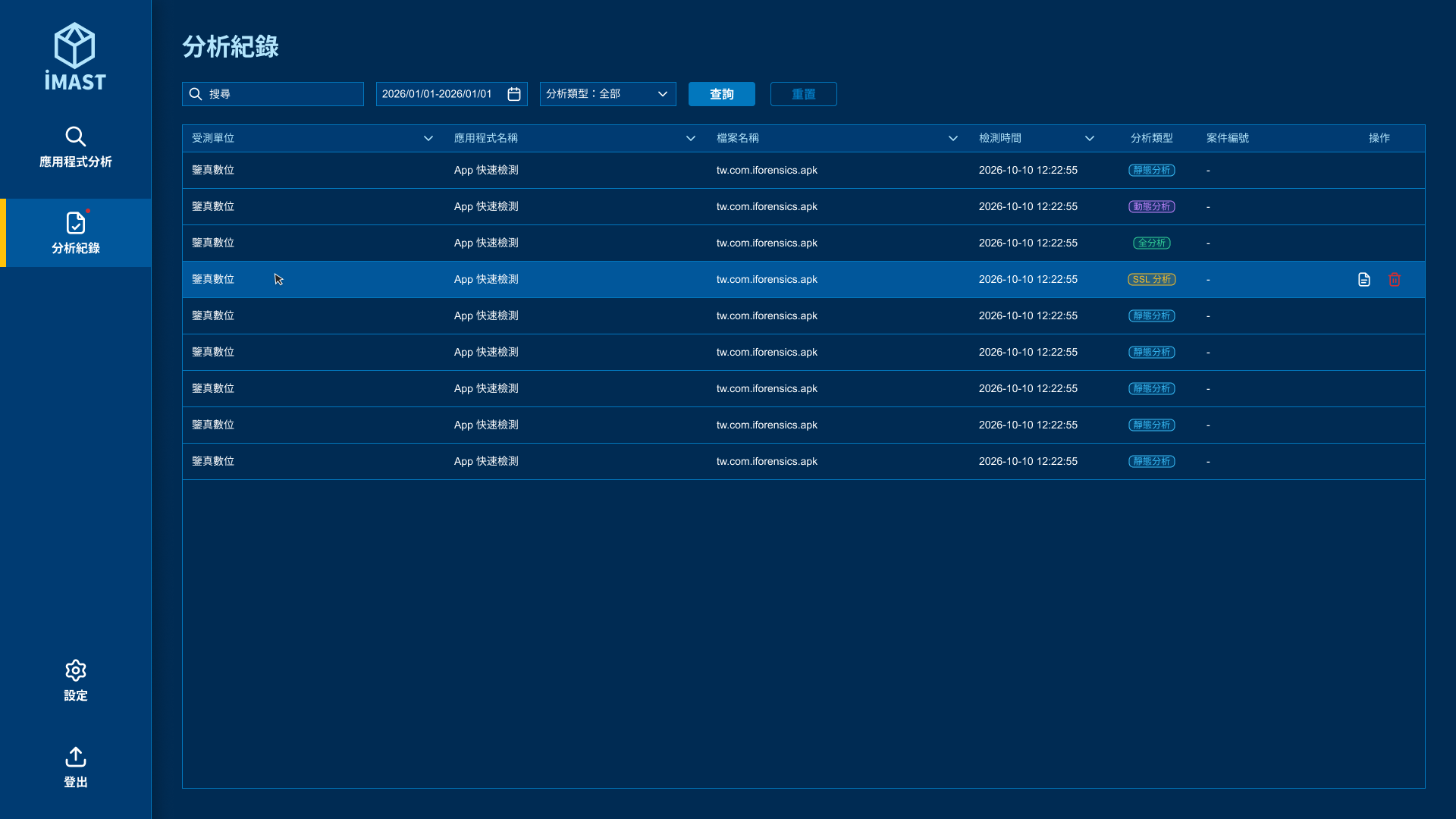
- Lists the verdict and tool-generated evidence for every check item, distinguishing Pass / Fail / Not Applicable / Clue Found / Manual Confirmation Required, and indicates the actual scan data each verdict is based on.
- Reports can be exported as HTML and PDF; you can select which sections to print and produce them separately.
- After a report is generated, you can search the code, network traffic, system logs, and the app's local data by keyword — and you can also search across all past assessment cases at once, quickly locating which apps a given keyword appears in.
- A guided workflow completes device environment setup, case information, analysis type, static and dynamic settings, test credentials, and traffic-destination declaration in stages.